346
Taking Photos at a Set Interval (Interval Timer Shooting)
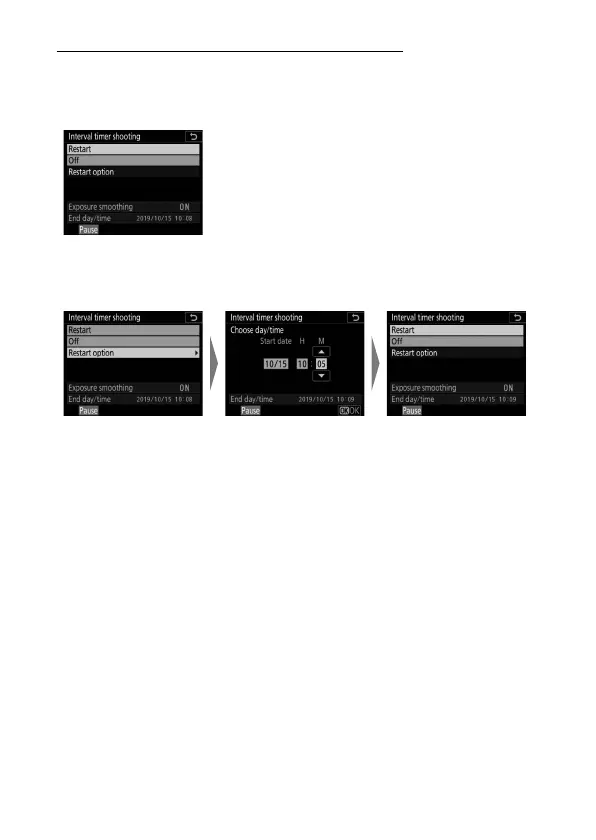
Resuming Interval Timer Shooting
Shooting can be resumed using the [Interval timer shooting]
item in the photo shooting menu. The procedure is as follows:
To resume shooting immediately:
To resume shooting at a specified time:
Highlight [Restart]
and press
J
.
Select [Choose start
day/time], highlight
[Choose day/time]
and press
2
.
Choose a starting
date and time and
press
J
.
Highlight [Restart]
and press
J
.



 To Next Page