55
Taking Photographs
Framing Photographs in the Monitor (Live
View)
1
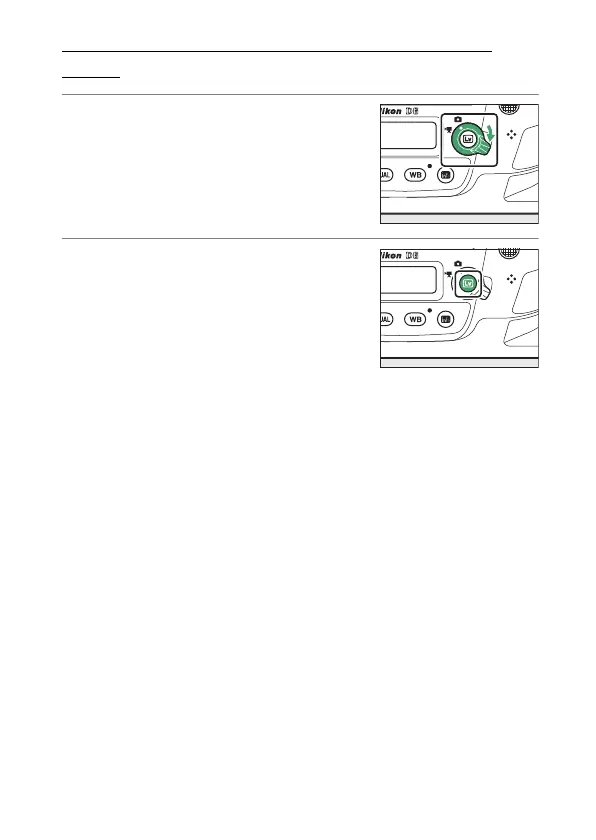
Rotate the live view selector to
C
(live view photography).
2
Press the
a
button.
•
The mirror will be raised and live
view will start. The viewfinder will
go dark and the view through the
lens will be displayed in the
monitor.
•
During live view, exposure for movies and photographs
can be previewed in the monitor.



 To Next Page