78
Uploading Pictures
❚❚
The WT-6 Wireless Transmitter
Use the optional WT-6 wireless
transmitter to connect to wireless
networks and upload pictures to
computers or ftp servers. The WT-6 offers
more reliable wireless connections than
the camera’s built-in Wi-Fi.
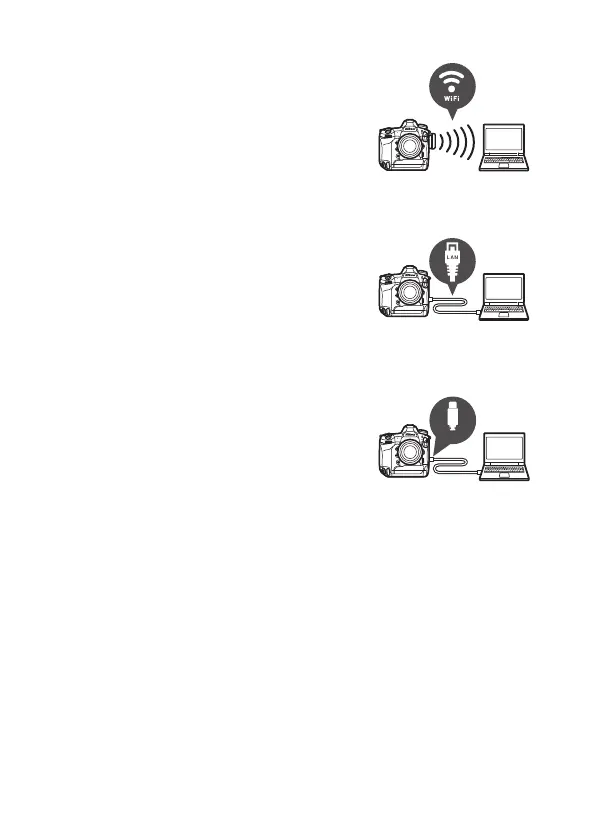
❚❚
Ethernet
Connect to networks using an Ethernet
cable attached to the camera’s Ethernet
connector and upload pictures to
computers or ftp servers.
❚❚
USB
Connect the camera to a computer using
a USB cable and transfer pictures using
the ViewNX-i computer application.
Typ e
-
C



 To Next Page