960
N
The Retouch Menu: Creating Retouched Copies
3
Select retouch options.
•
For more information, see the section for the selected item.
•
To exit without creating a retouched copy, press
G
. The
retouch menu will be displayed.
4
Create a retouched copy.
•
Press
J
to create a retouched copy.
•
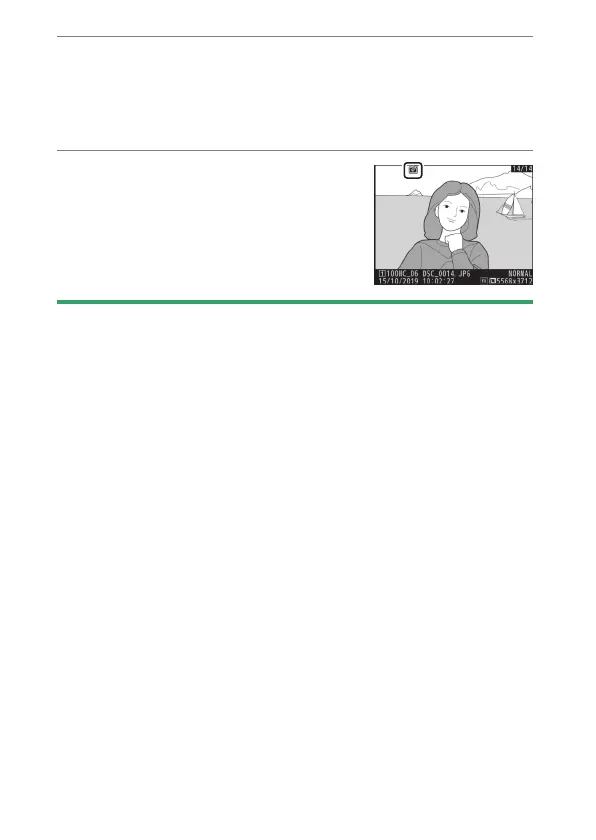
Retouched copies are indicated by a
p
icon.
D
Retouching the Current Picture
To create a retouched copy of the current picture, press
i
and select
[Retouch], or hold
J
and press
2
.
D
Retouch
•
The camera may not be able to display or retouch pictures that were
taken or retouched using other cameras or that have been retouched
on a computer.
•
If no actions are performed for a brief period, the display will turn off
and any unsaved changes will be lost. To increase the time the display
remains on, choose a longer menu display time using Custom Setting c4
[Monitor off delay] > [Menus].



 To Next Page