962
N
The Retouch Menu: Creating Retouched Copies
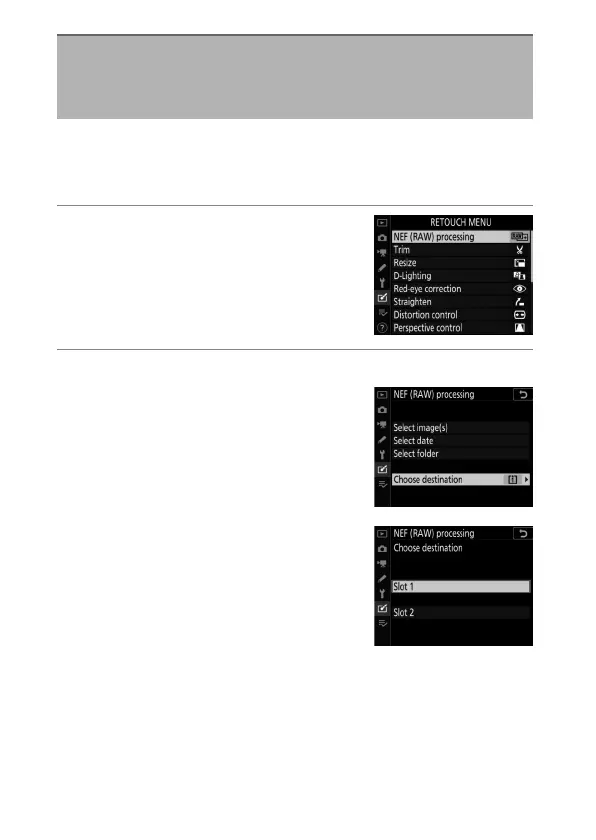
“NEF (RAW) processing” is used to save NEF (RAW) pictures in
other formats, such as JPEG. JPEG copies of NEF (RAW) pictures
can be created on the camera as described below.
1
Select [NEF (RAW) processing]
in the retouch menu.
Highlight [NEF (RAW) processing]
and press
2
.
2
Choose a destination.
•
If two memory cards are inserted,
highlight [Choose destination]
and press
2
.
•
[Choose destination] is not
available when only one memory
card is inserted. Proceed to Step 3.
•
Press
1
or
3
to highlight a card slot
and press
J
.
NEF (RAW) Processing: Converting NEF
(RAW) to JPEG
G
button
U
N
retouch menu



 To Next Page