973
N
The Retouch Menu: Creating Retouched Copies
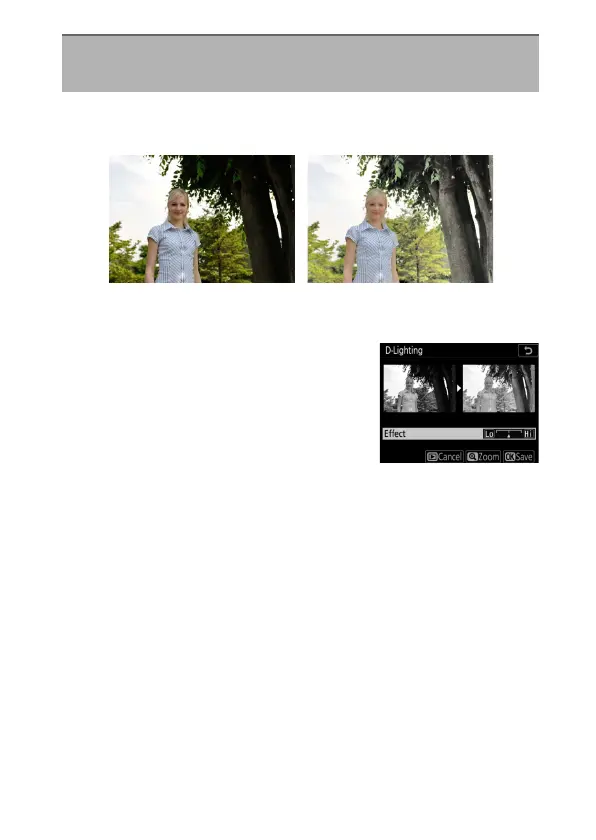
D-Lighting brightens shadows. It is ideal for dark or backlit
photographs.
The edit display shows before and after images.
•
Press
4
or
2
to choose the amount of
correction performed. The effect can
be previewed in the edit display.
•
Press
J
to save the retouched copy.
D-Lighting
G
button
U
N
retouch menu
Before After



 To Next Page