1028
Camera Displays
D
The
!
Icon
A flashing
!
icon indicates that the camera clock has been reset. The date
and time recorded with new photographs will not be correct; use the
[Time zone and date] > [Date and time] option in the setup menu to set
the clock to the correct time and date.
A
Using the
i
Menu
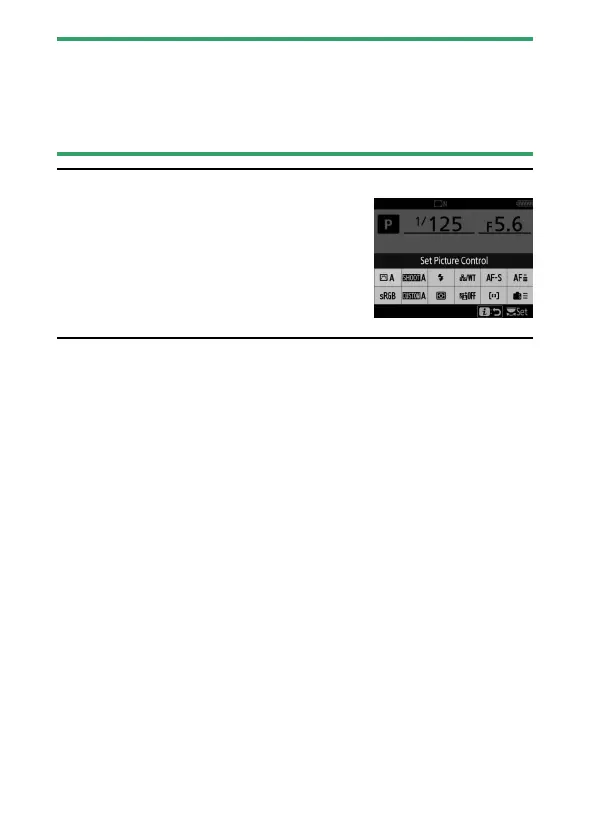
To access the
i
menu, press the
i
button or tap
the guide in the information display. Press the
i
button again or press the
R
button to return
to the information display when settings are
complete.



 To Next Page