57
Taking Photographs
5
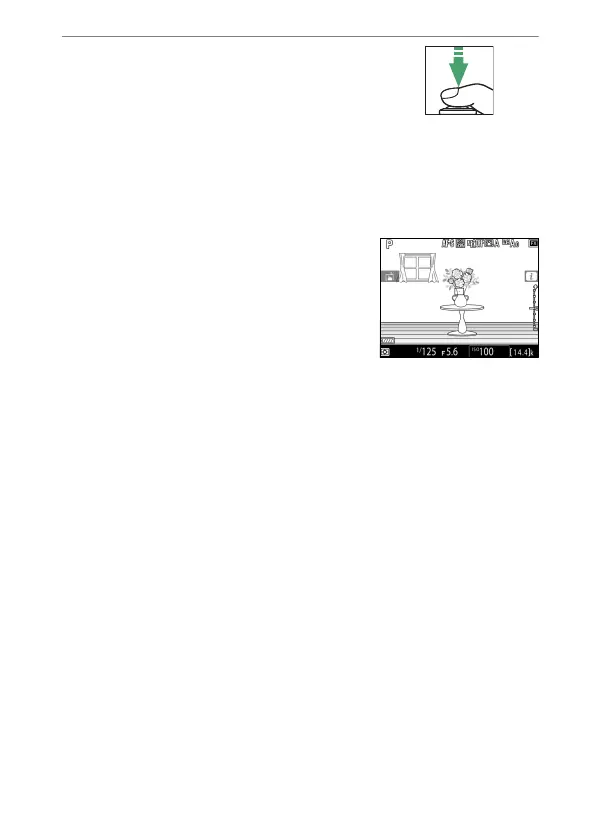
Press the shutter-release
button halfway to focus.
•
Focus locks while the shutter-
release button is pressed halfway.
•
If the camera is able to focus, the focus point will be
displayed in green. If the camera is unable to focus, for
example because the subject is too close to the camera,
the focus point will flash red.
•
To preview exposure in the monitor
as shown in the illustration
(exposure preview), press the
J
button. You can preview how the
settings selected for shutter speed,
aperture, and ISO sensitivity affect
exposure during shooting. Exposure compensation can be
adjusted by ±5 EV, although only values between −3 and
+3 EV are reflected in the preview display.



 To Next Page