1076
Caring for the Camera
❚❚
Cleaning the Image Sensor at Startup and/or
Shutdown
1
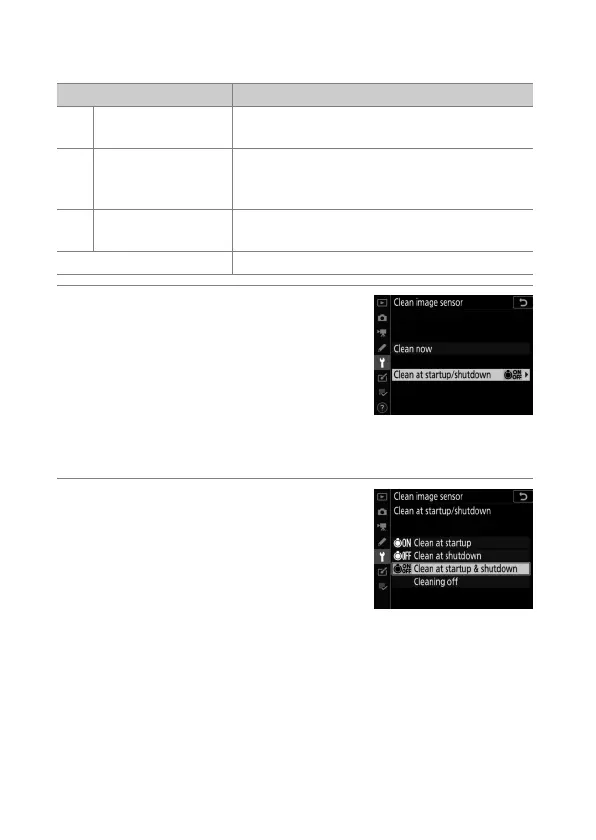
Select [Clean at startup/
shutdown] for [Clean image
sensor].
Pressing
2
when [Clean at startup/
shutdown] is highlighted displays
[Clean at startup/shutdown]
options.
2
Highlight an option.
Press
J
to select the highlighted
option.
Option Description
5
[Clean at startup]
The image sensor is automatically cleaned
each time the camera is turned on.
6
[Clean at
shutdown]
The image sensor is automatically cleaned
during shutdown each time the camera is
turned off.
7
[Clean at startup &
shutdown]
The image sensor is cleaned automatically at
startup and at shutdown.
[Cleaning off] Automatic image sensor cleaning off.



 To Next Page