1084
Caring for the Camera
4
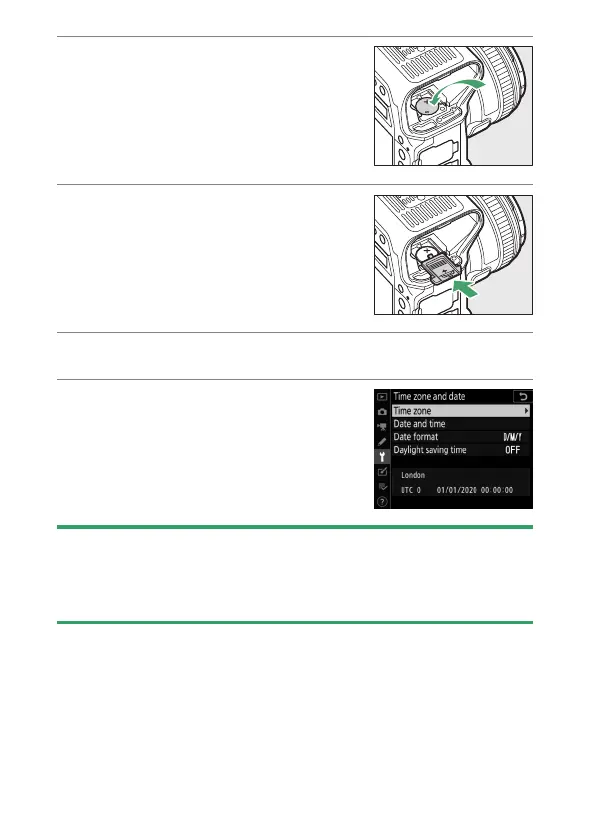
Insert a new CR1616 lithium
battery so that the positive
side (the side marked with “+”
and the battery name) is
visible.
5
Slide the clock battery
chamber cover towards the
back of the main battery
chamber.
Stop when the cover clicks into place.
6
Reinsert the main battery.
7
Set the camera clock.
The
B
icon will flash in the top
control panel until the clock is set.
D
Inserting the Clock Battery
Insert the clock battery in the correct orientation. Inserting the battery
incorrectly could not only prevent the clock from functioning but could
damage the camera.



 To Next Page