127
The
g
(
h
/
Q
) Button
❚❚
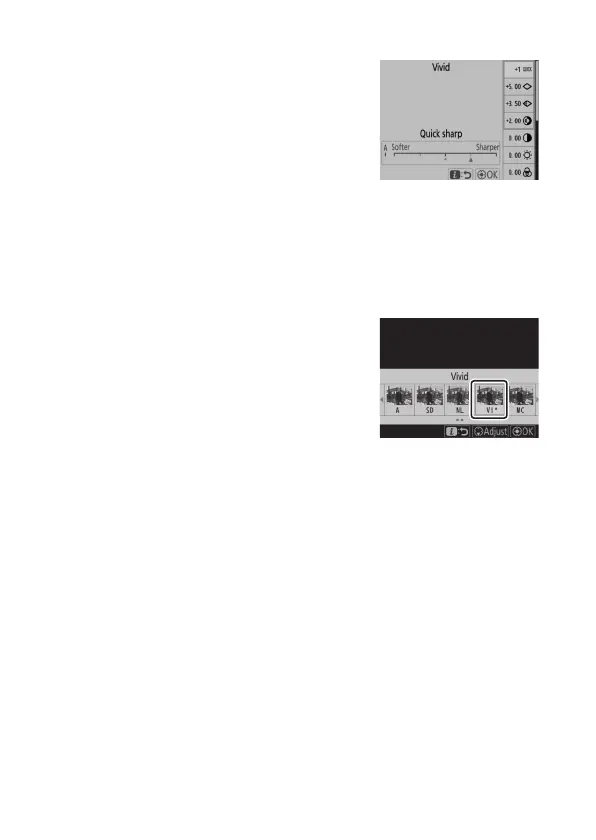
Modifying Picture Controls
To modify Picture Control settings,
highlight a Picture Control and press
3
.
•
Press
1
or
3
to highlight settings.
Press
4
or
2
to choose a value in
increments of 1, or rotate the sub-
command dial to choose a value in
increments of 0.25.
•
The options available vary with the Picture Control selected.
•
Default settings can be restored by pressing the
O
(
Q
)
button.
•
Press
J
to save changes.
•
Picture Controls that have been
modified from default settings are
indicated by an asterisk (“
U
”).



 To Next Page