141
Image Recording Options (Image Area, Quality, and Size)
A
Choosing the Image Area via Buttons and Command Dials
If [Choose image area] has been assigned to a button using Custom
Setting f3 [Custom controls], the image area can be selected by pressing
the button and rotating a command dial.
•
The selected crop is displayed in the viewfinder.
•
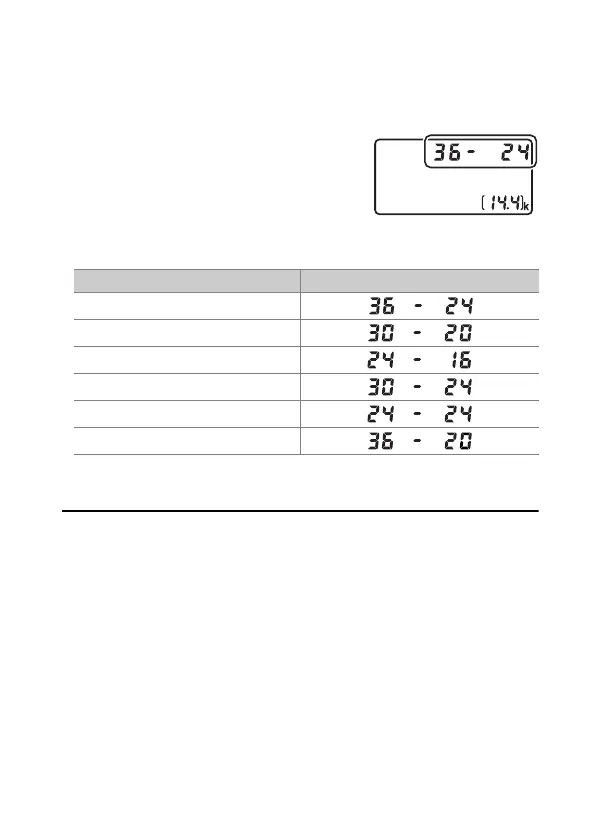
The option currently selected for image area
can be displayed in the top control panel
and viewfinder by pressing the button to
which [Choose image area] is assigned.
•
Camera controls assigned [Choose image
area] cannot be used for image area selection when a DX lens is
attached and [On] is selected for [Auto DX crop].
A
Image Size
Image size varies with the option selected for [Image area].
Image area Display
[FX (36×24)]
[1.2× (30×20)]
[DX (24×16)]
[5:4 (30×24)]
[1:1 (24×24)]
[16:9 (36×20)]



 To Next Page