171
Choosing How the Camera Focuses (Focus)
2
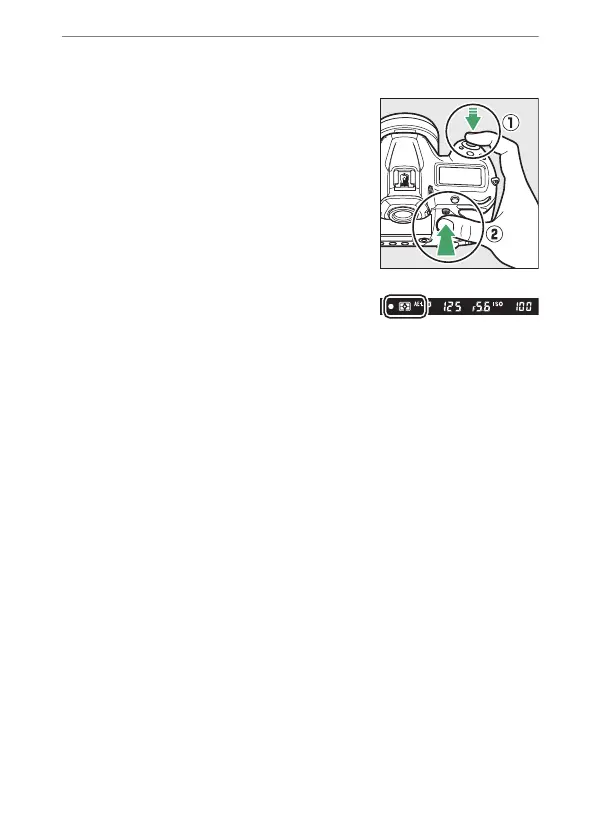
Lock focus.
AF-C selected for autofocus mode:
Keeping the shutter-release button
pressed halfway (
q
), press the center
of the sub-selector (
w
) to lock focus.
Focus and exposure will remain
locked while the center of the sub-
selector is pressed, even if you
remove your finger from the shutter-
release button.
An AE-L icon will be displayed in the
viewfinder while the center of the
sub-selector is pressed.
AF-S selected for autofocus mode:
Focus locks while the shutter-release button is pressed
halfway. You can also lock focus by pressing the center of
the sub-selector.



 To Next Page