192
Exposure-Related Settings (Metering and Exposure Compensation)
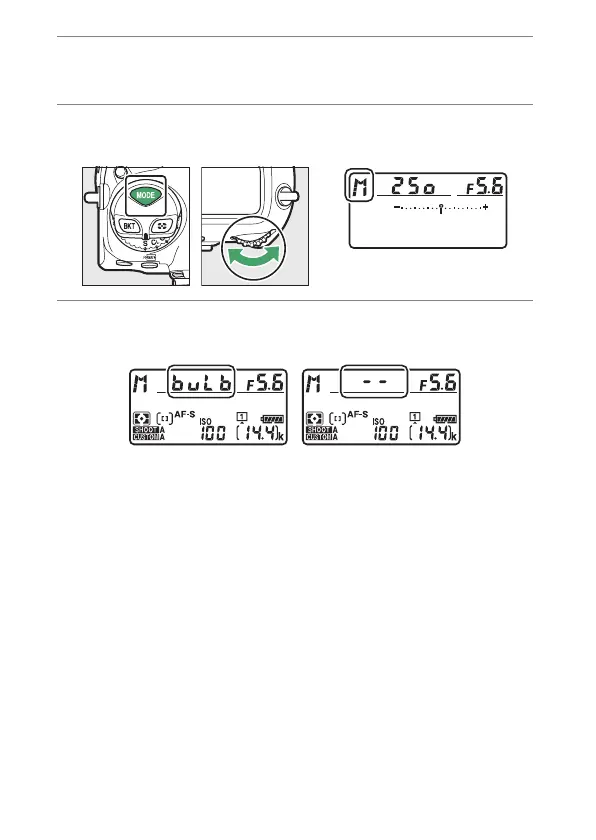
1
Keep the camera steady, for example by using a
tripod.
2
Hold the
I
button and rotate the main
command dial to select mode M.
3
Rotate the main command dial to choose a shutter
speed of
A
(“Bulb”) or
%
(“Time”).
Note that the exposure indicators are not displayed at a
shutter speed of
A
or
%
.



 To Next Page