200
Exposure-Related Settings (Metering and Exposure Compensation)
❚❚
Adjusting Exposure Compensation
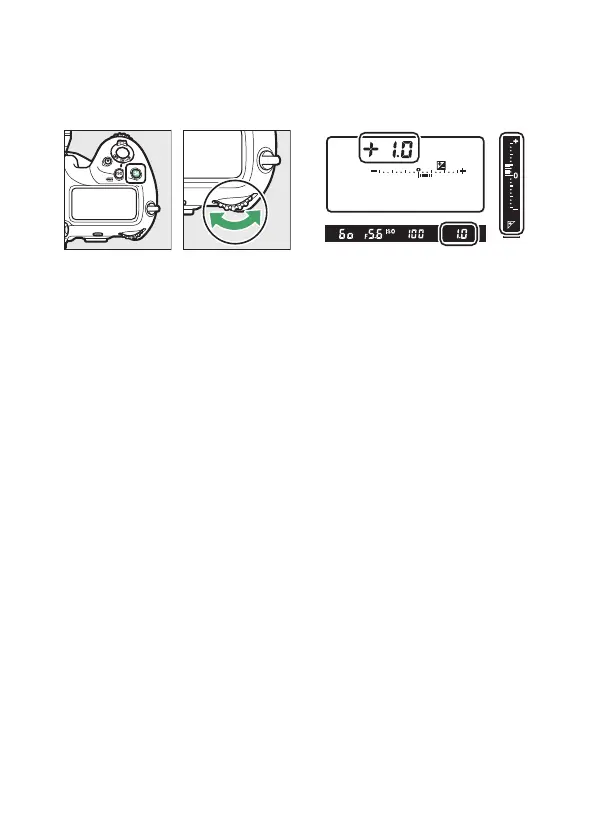
Hold the
E
button and rotate the main command dial.
•
The selected value is displayed in the viewfinder and top
control panel.
•
Choose from values between –5 EV (underexposure) and
+5 EV (overexposure).
•
By default, changes are made in increments of
1
/
3
EV. The size
of the increments can be changed using Custom Setting b3
[Exp./flash comp. step value].
•
In general, positive values make the subject brighter while
negative values make it darker.



 To Next Page