217
Adjusting the Camera’s Sensitivity to Light (ISO Sensitivity)
3
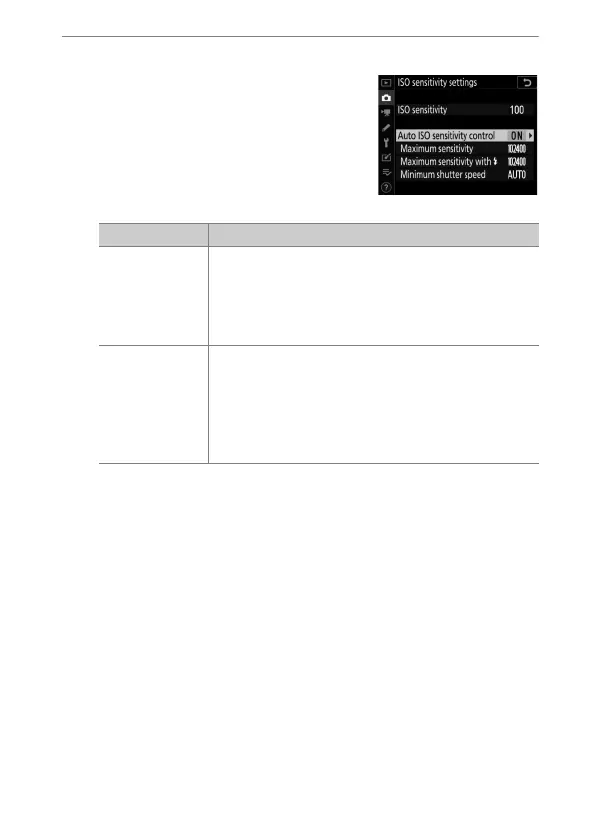
Adjust settings.
•
Adjust auto ISO sensitivity control
settings.
Option Description
[Maximum
sensitivity]
To prevent ISO sensitivity being raised too high,
you can select an upper limit for ISO sensitivity
control; choose from values of from ISO 200 to Hi
5. The minimum value that will be selected using
auto ISO sensitivity control is ISO 100.
[Maximum
sensitivity
with
N
]
Choose the maximum ISO sensitivity for flash
photography; options range from ISO 200 to Hi 5.
Selecting [Same as without flash] sets the
maximum ISO sensitivity for flash photography to
the value currently selected for [Maximum
sensitivity].



 To Next Page