236
Achieving Natural Colors with Different Light Sources (White Balance)
2
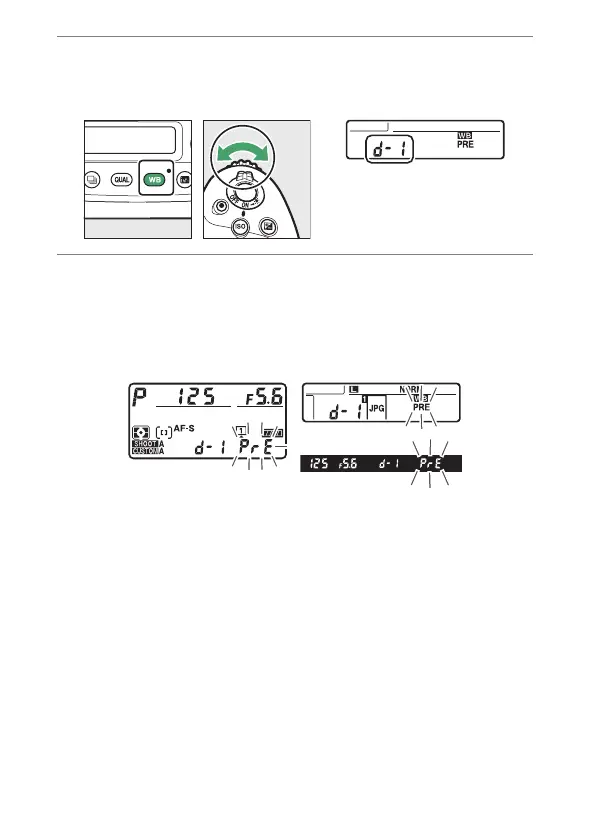
Select a preset.
Hold the
U
button and rotate the sub-command dial until
the desired white balance preset (d-1 to d-6) is displayed.
3
Select direct measurement mode.
•
Release the
U
button briefly and then press the
U
button until the
D
indicators in the viewfinder and top
control panel and the
L
icon in the rear control panel
start to flash.



 To Next Page