240
Achieving Natural Colors with Different Light Sources (White Balance)
A
Protected Presets
If the current preset is protected, the camera will be unable to measure a
value for preset manual white balance; any attempt to measure white
balance for a protected preset will be accompanied by a flashing
3
in
the viewfinder and top control panel and a flashing
g
in the rear control
panel.
A
Presets
•
At shipment, presets d-1 through d-6 are set to 5200 K, equivalent to the
“direct sunlight” white balance option.
•
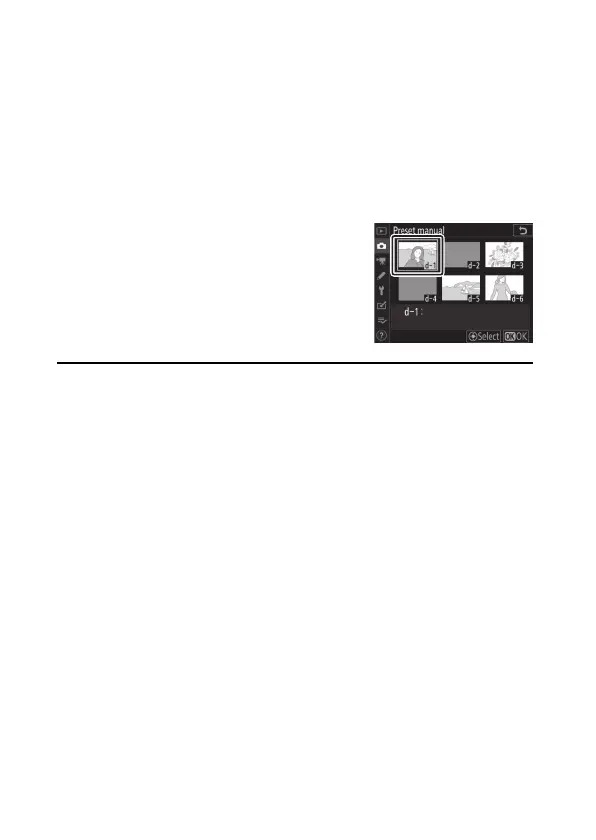
White balance presets can be viewed by
selecting [White balance]> [Preset manual]
in the photo shooting menu. To recall a
stored value, highlight a preset using the
multi selector and press
J
.



 To Next Page