269
Varying Exposure or White Balance over a Series of Photographs (Bracketing)
3
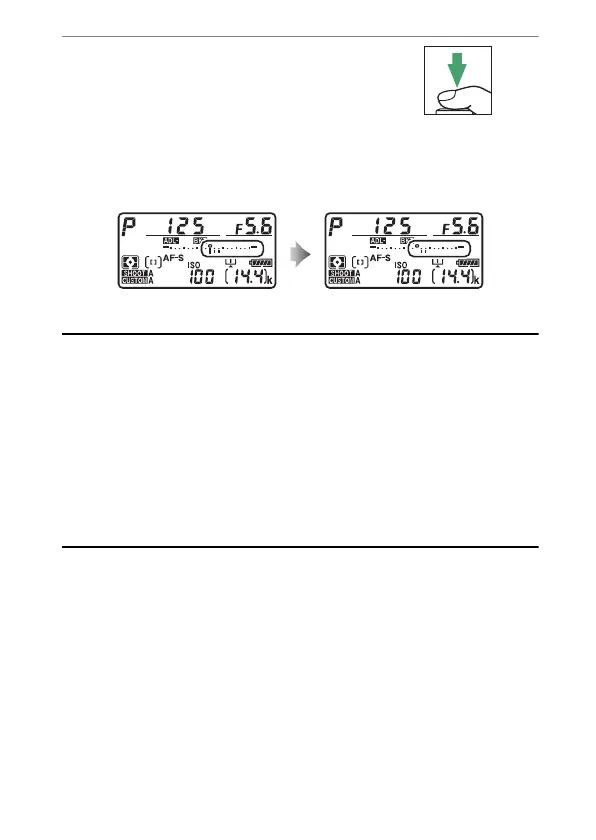
Take pictures.
•
Take the number of pictures in the
bracketing program.
•
While bracketing is in effect, a
bracketing progress indicator will be displayed in the top
control panel. A segment will disappear from the indicator
after each shot.
A
ADL Bracketing
•
[Number of shots] and [Amount] can also be selected via the [Auto
bracketing] item in the photo shooting menu.
•
In CL and CH modes and during burst photography in mode Q, shooting
will pause after the number of shots specified in the bracketing program
have been taken. Shooting will resume the next time the shutter-release
button is pressed.
•
If the camera is turned off before all shots in the sequence have been
taken, bracketing will resume from the first shot in the sequence when
the camera is turned on.
No. shots: 3 Display after first shot



 To Next Page