303
Editing Movies
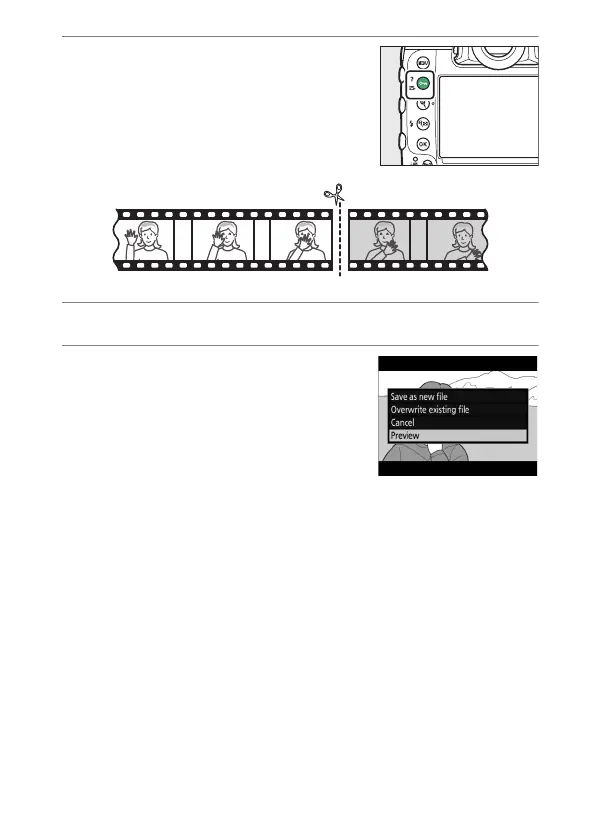
6
Choose the end point.
Press
g
(
h
/
Q
) to switch to the
end-point selection tool (
x
) and then
select the closing frame (
x
) as
described in Step 5.
7
Press
1
to create the copy.
8
Preview the copy.
•
To preview the copy, highlight
[Preview] and press
J
(to interrupt
the preview and return to the save
options menu, press
1
).
•
To abandon the current copy and
return to Step 5, highlight [Cancel] and press
J
.



 To Next Page