337
Taking Photos at a Set Interval (Interval Timer Shooting)
•
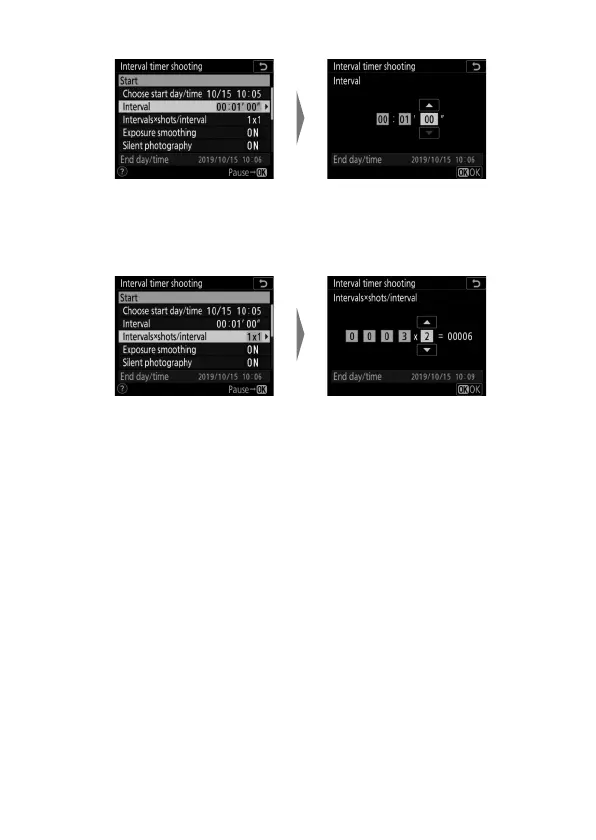
Choose the interval between shots.
•
Choose the number of shots per interval.
-In release mode S (single frame), the photographs for
each interval will be taken at the rate selected for Custom
Setting d1 [Continuous shooting speed]> [Continuous
high-speed].
- When [Off] is selected for [Silent photography], the
maximum number of intervals will vary with the number
of shots per interval.
Highlight [Interval] and
press
2
.
Choose an interval (in hours,
minutes, and seconds) and
press
J
.
Highlight [Intervals×shots
/
interval] and press
2
.
Choose the number of
intervals and the number of
shots per interval and press
J
.



 To Next Page