340
Taking Photos at a Set Interval (Interval Timer Shooting)
•
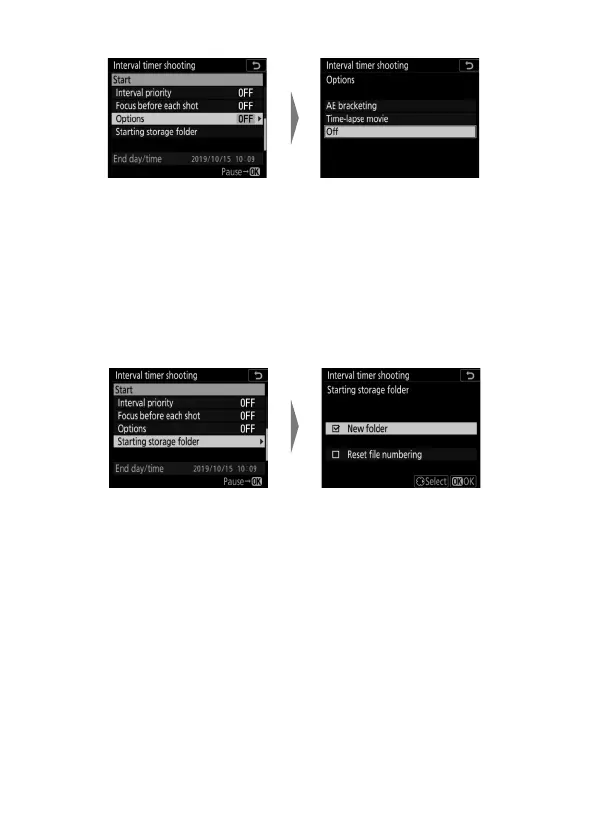
Choose additional options.
- If you selected [AE bracketing], choose values for
[Number of shots] and [Increment]; if you selected
[Time-lapse movie], choose settings for [Frame size/
frame rate] and [Destination].
•
Choose starting folder options.
Highlight [Options] and
press
2
.
Highlight [AE bracketing] or
[Time-lapse movie] and
press
2
.
Highlight [Starting storage
folder] and press
2
.
Select the desired options
and press
J
to proceed.



 To Next Page