437
Recording Voice Memos
2
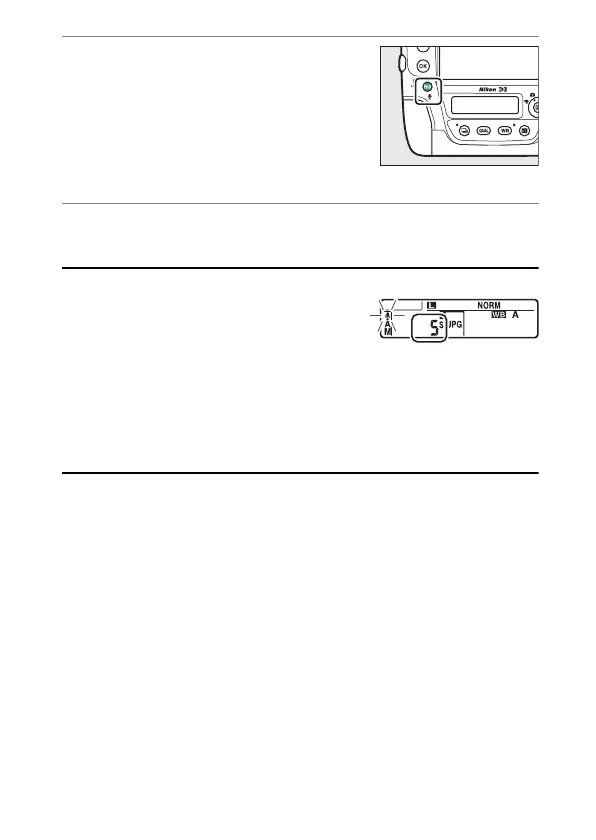
Hold the Fn3 (
C
) button.
•
Recording starts when the button is
pressed and ends when it is
released.
•
A
C
icon is displayed while
recording is in progress.
3
Release the Fn3 (
C
) button.
Recording will end.
A
During Recording
During recording, a flashing
C
icon and a
countdown timer showing the recording
time remaining will be displayed in the rear
control panel.
A
The
i
Menu
Recording can also be initiated by highlighting [Record voice memo] in
the playback
i
menu and pressing
J
. To end recording, press the center
of the multi selector.



 To Next Page