440
Recording Voice Memos
❚❚
Manual Recording
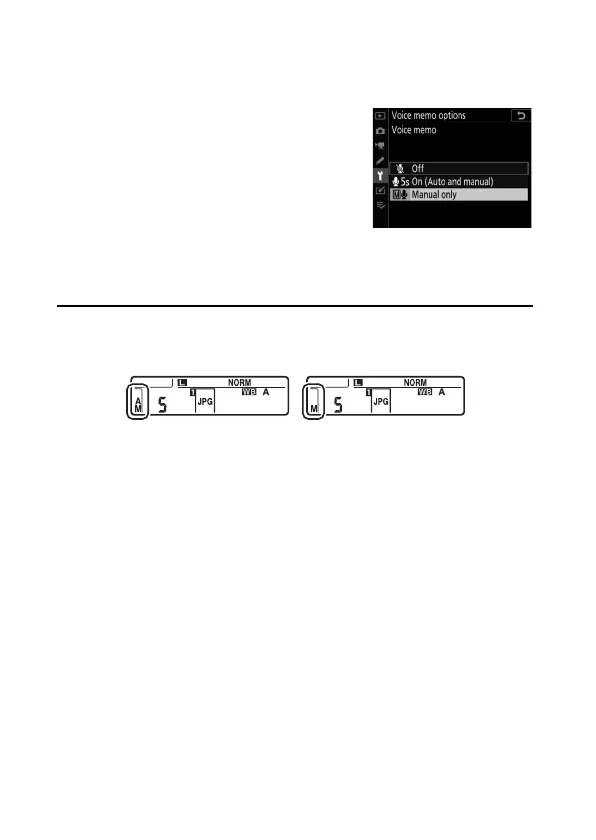
Voice memos can be manually added to the most recent
photograph.
•
Before proceeding, select [Manual
only] for [Voice memo options]>
[Voice memo] in the setup menu.
•
To record a voice memo, hold the Fn3 (
C
) button; recording
will continue while the button is pressed.
A
Voice Memo
An icon is displayed in the rear control panel when [On (Auto and
manual)] or [Manual only] is selected for [Voice memo].
On (Auto and manual) Manual only



 To Next Page