447
Connecting to Computers
❚❚
Copying Pictures to a Computer Using ViewNX-i
See online help for detailed instructions.
1
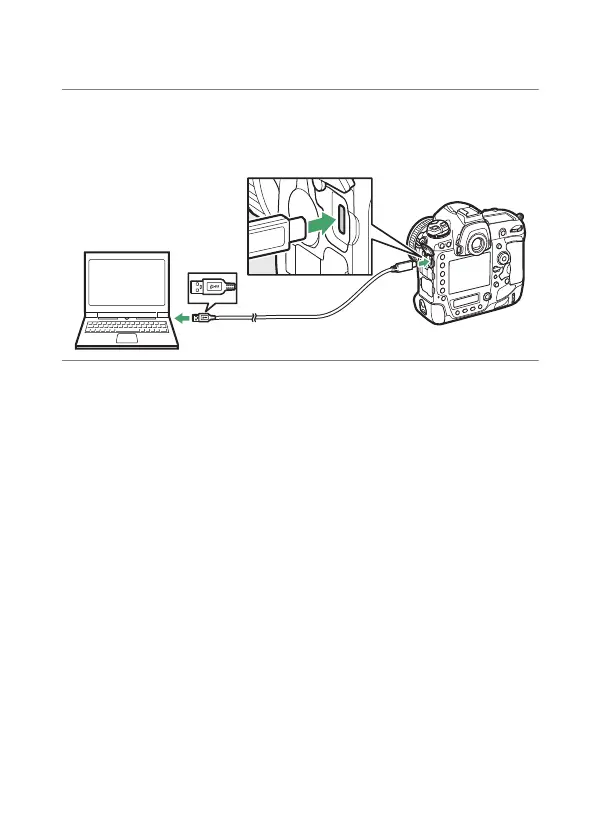
Connect the camera to the computer.
After turning the camera off and ensuring that a memory
card is inserted, connect the supplied USB cable as shown.
2
Turn the camera on.
•
The Nikon Transfer 2 component of ViewNX-i will start.
•
If a message is displayed prompting you to choose a
program, select Nikon Transfer 2.
•
If Nikon Transfer 2 does not start automatically, launch
ViewNX-i and click the “Import” icon.



 To Next Page