449
Connecting to Computers
D
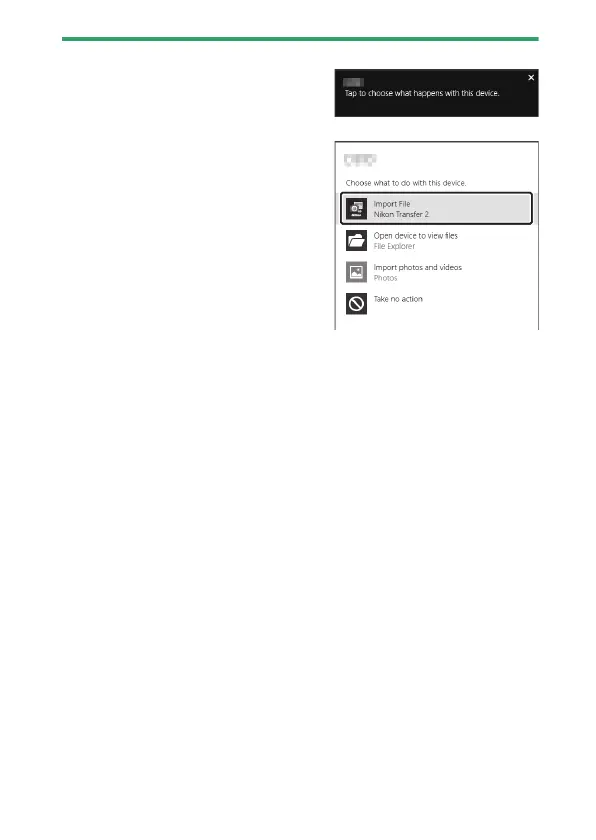
Windows 10 and Windows 8.1
Windows 10 and Windows 8.1 may
display an AutoPlay prompt when the
camera is connected.
Click the dialog and then click
[Nikon Transfer 2] to select Nikon
Transfer 2.
D
macOS
If Nikon Transfer 2 does not start automatically, confirm that the camera is
connected and then launch Image Capture (an application that comes
with macOS) and select Nikon Transfer 2 as the application that opens
when the camera is detected.
D
Transferring Movies
Do not attempt to transfer movies from the memory card while it is
inserted in a camera of a different make or model. Doing so could result in
the movies being deleted without being transferred.



 To Next Page