463
Connecting to Smart Devices
4
Camera/smart device: Turn the
camera on when prompted to
do so by the smart device.
Do not tap [Next] until you have
completed the next step.
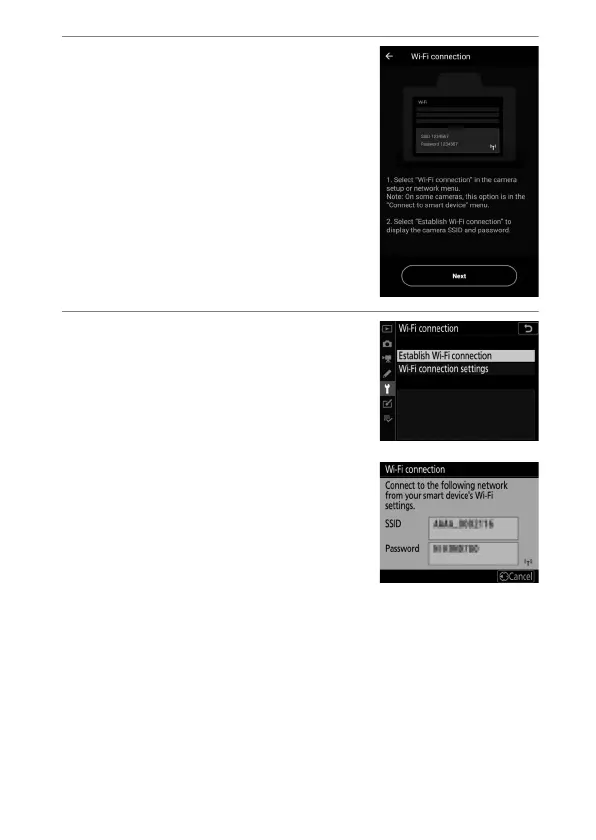
5
Camera: Select [Connect to
smart device] > [Wi-Fi
connection] in the setup menu,
then highlight [Establish Wi-Fi
connection] and press
J
.
The camera SSID and password will
be displayed.



 To Next Page