468
Connecting to Smart Devices
9
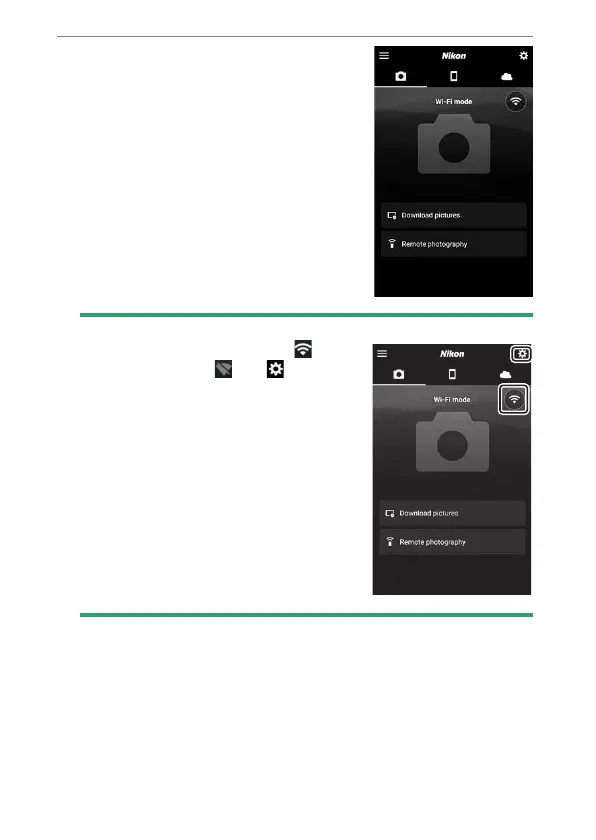
Smart device: Return to the
SnapBridge app.
•
Once a Wi-Fi connection is
established, Wi-Fi mode options will
be displayed.
•
See online help for information on
using the SnapBridge app.
D
Terminating Wi-Fi Mode
To end the Wi-Fi connection, tap . When
the icon changes to , tap and select
[Exit Wi-Fi mode.].



 To Next Page