470
Connecting to Smart Devices
❚❚
Connecting to an Android Device for the First
Time: Pairing
For information on connecting to iOS devices, see “Connecting
to an iOS Device for the First Time: Pairing” (
0
476).
1
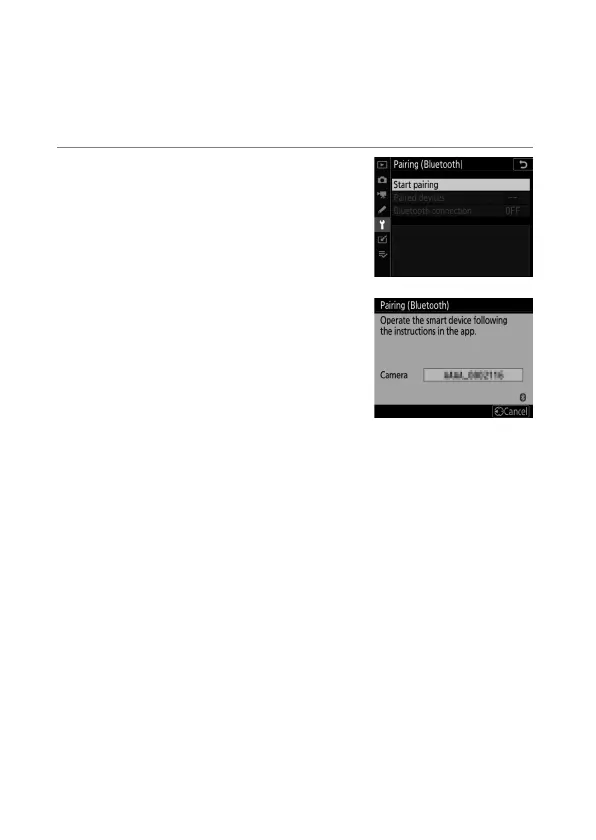
Camera: Select [Connect to
smart device] > [Pairing
(Bluetooth)] in the setup menu,
then highlight [Start pairing]
and press
J
.
The camera name will be displayed in
the monitor.



 To Next Page