473
Connecting to Smart Devices
5
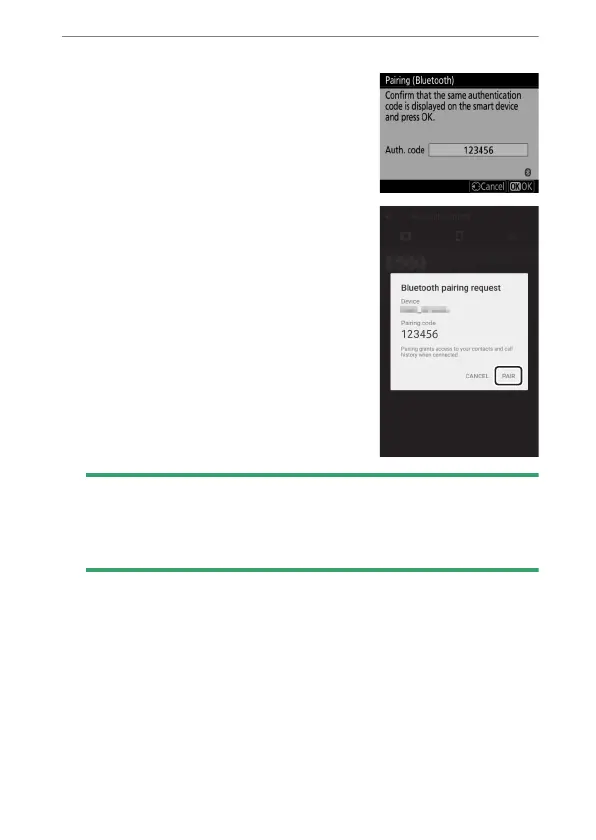
Camera/Android device: Initiate pairing.
•
Camera: Press
J
.
•
Android device: Tap the button
indicated in the illustration. The
button in the illustration is labeled
[PAIR], but the label may differ
depending on the type of device
and version of Android you are
using.
D
Pairing Error
If you wait too long between pressing the button on the camera and
tapping the button on the Android device, the device will display an
error message and pairing will fail. Tap [OK] and return to Step 2.



 To Next Page