504
Connecting to Computers via Wi-Fi
❚❚
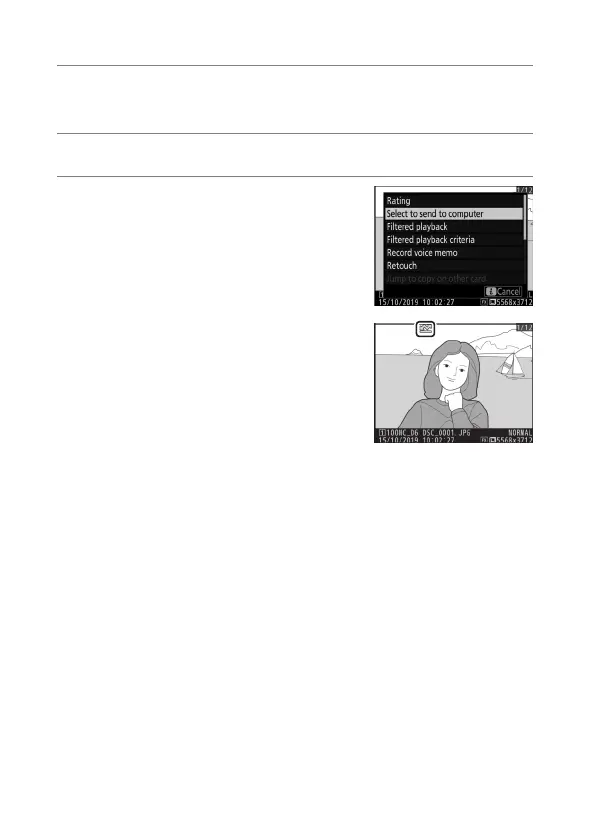
Selecting Pictures for Upload
1
Press the
K
button on the camera and select full-
frame or thumbnail playback.
2
Select a picture and press the
i
button.
3
Highlight [Select to send to
computer] and press
J
.
•
A white “send” (priority upload)
icon will appear on the picture. If
the camera is currently connected
to a network, upload will begin
immediately.
•
Otherwise, upload will begin when
a connection is established.
•
Repeat Steps 2–3 to upload additional pictures.



 To Next Page