535
Creating a Network Profile (Ethernet)
7
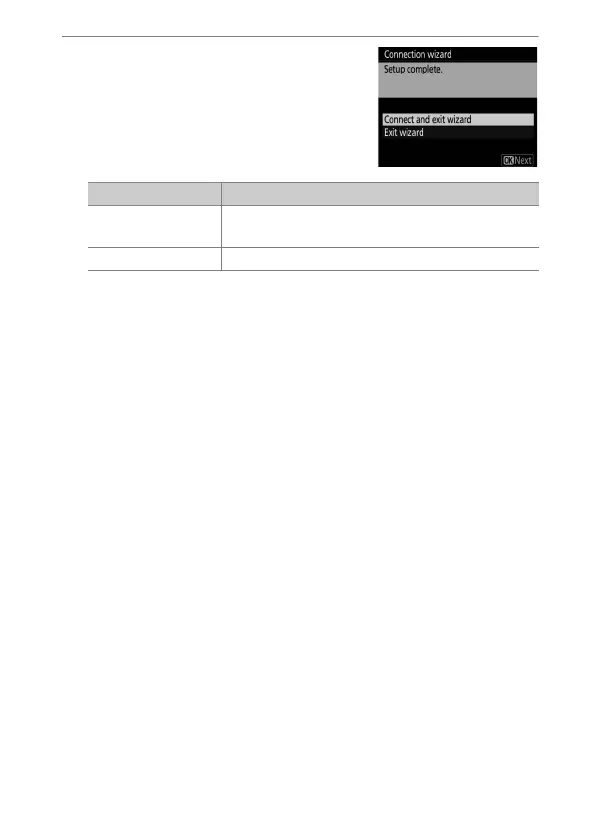
Exit the wizard.
Highlight one of the following
options and press
J
.
Connection settings for the camera and computer are now
complete.
You can now access and control the camera from a computer or
smart device as described in “HTTP Server” (
0
601).
Option Description
[Connect and exit
wizard]
Save the new network profile and connect to
the server.
[Exit wizard] Save the new network profile and exit.



 To Next Page