538
Creating a Network Profile (Ethernet)
4
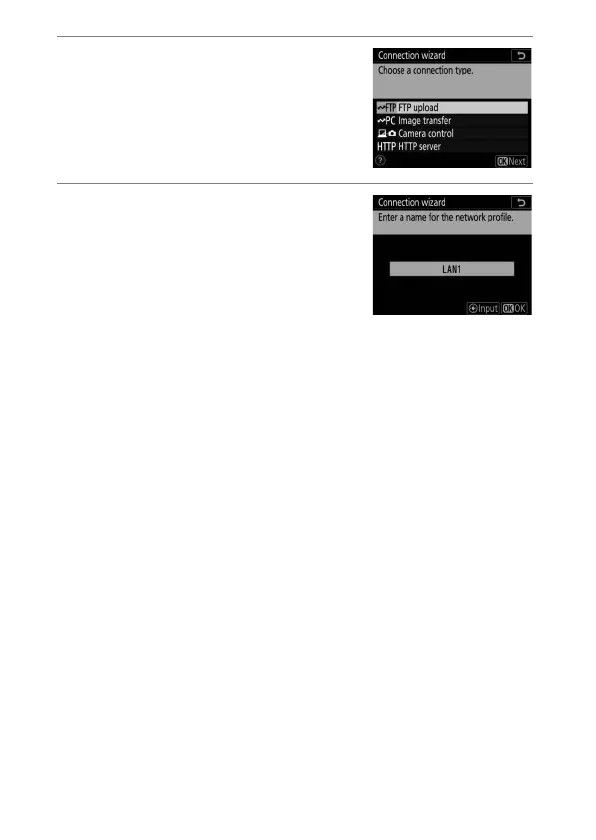
Select [FTP upload].
The default profile name will be
displayed when you press
J
.
5
Rename the new network
profile.
•
To proceed to IP address selection
without renaming the profile, press
J
.
•
The profile name will appear in the
[Wired LAN/WT]> [Network settings] list in the camera
setup menu.
•
To rename the profile, press the center of the multi
selector.



 To Next Page