542
Creating a Network Profile (Ethernet)
10
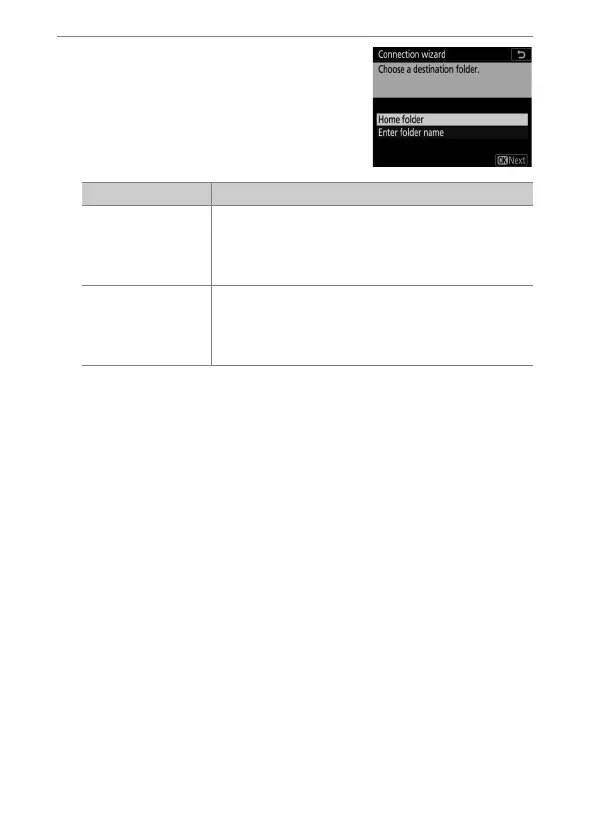
Choose a destination folder.
Highlight one of the following
options and press
J
.
Option Description
[Home folder]
Select this option to select the server’s home
folder as the destination for pictures uploaded
from the camera. A “setup complete” dialog will
be displayed if the operation is successful.
[Enter folder
name]
Enter the destination folder name manually. The
folder must already exist on the server. Enter the
folder name and path when prompted and press
J
to display the “setup complete” dialog.



 To Next Page