567
Creating Network Profiles (WT-6)
11
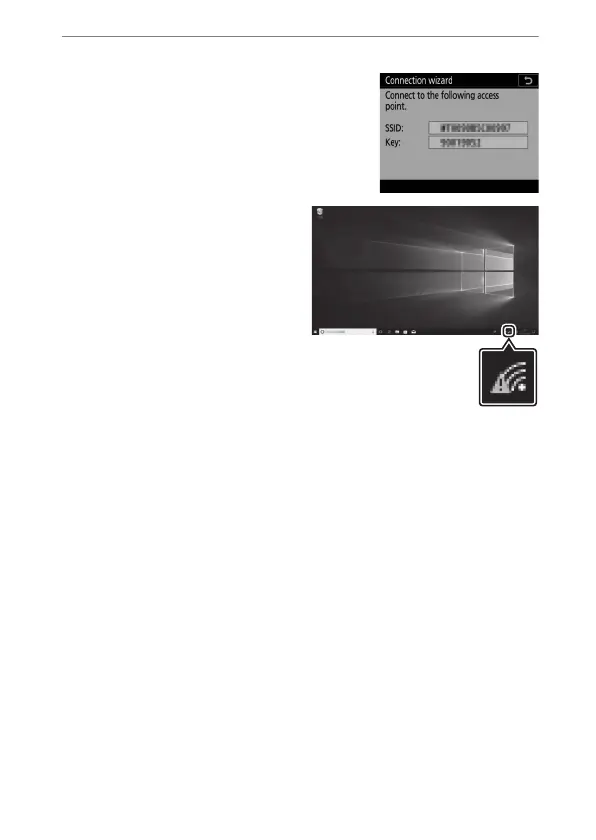
Establish a connection to the camera.
When [Direct (access point)] is
selected, the camera will display an
SSID and encryption key.
Windows:
•
Click the wireless LAN icon
in the taskbar.
•
Select the camera SSID.
•
Enter the camera
encryption key when
prompted. The computer
will initiate a connection
to the camera. A pairing
dialog will be displayed
when a connection is established. Proceed to Step 13.



 To Next Page