582
Creating Network Profiles (WT-6)
•
Press
J
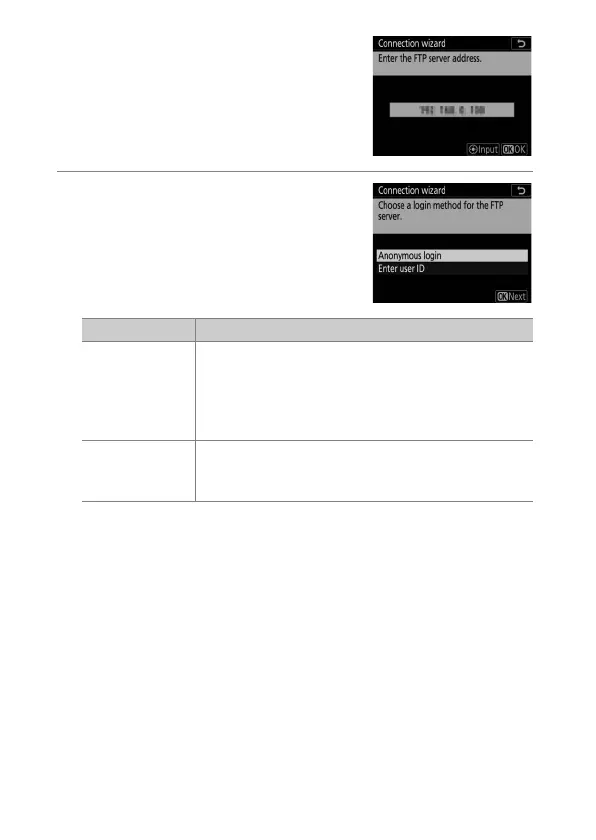
again to connect to the ftp
server. You will be prompted to
choose a login method.
15
Log in.
Highlight one of the following
options and press
J
.
Option Description
[Anonymous
login]
Select this option if the server does not require a
user ID or password. This option can only be used
with servers that are configured for anonymous
login. If login is successful, the camera will prompt
you to choose a destination.
[Enter user ID]
Enter a user ID and password. Press
J
to log in
when entry is complete. If login is successful, the
camera will prompt you to choose a destination.



 To Next Page