635
Synchronizing Camera Clocks
4
Press
J
on the remote camera.
•
The remote camera clock will be synchronized with the
clock on the master camera via the network.
•
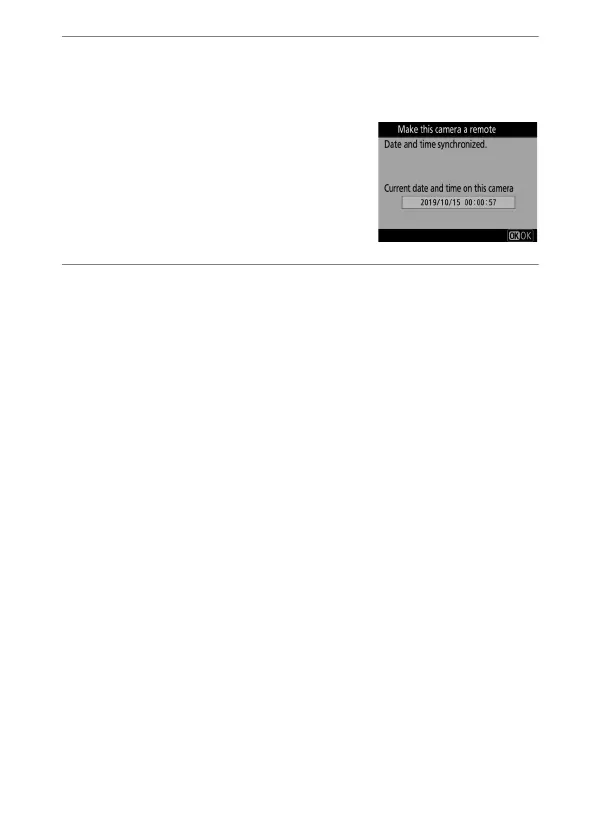
If the operation succeeds, the
remote camera will display a
message and exit to [Network
settings].
•
Repeat Steps 3–4 to synchronize
the clocks on additional cameras.
5
Press
J
on the master camera.
Date synchronization mode will end and [Network settings]
options will be displayed.


 To Next Page