734
D
The Playback Menu: Managing Images
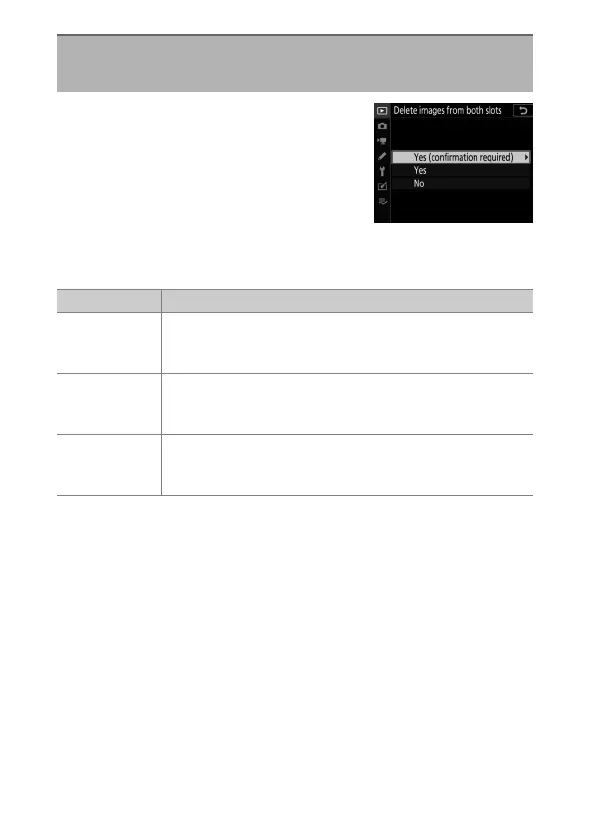
Choose whether deleting a copy of a
picture recorded to both memory cards
with either [Backup] or a dual-format
option ([RAW Slot 1 - JPEG Slot 2] or
[JPEG Slot 1 - JPEG Slot 2]) selected for
[Role played by card in Slot 2] in the
photo shooting menu also deletes the remaining copy.
Delete Images from Both Slots
G
button
U
D
playback menu
Option Description
[Yes
(confirmation
required)]
Before deleting one copy, you will be prompted to
choose whether to delete the other. To choose the
option highlighted by default, press
2
.
[Yes]
[“Same images on
w
and
x
”] is always selected;
selecting [Yes] in the confirmation dialog deletes both
copies.
[No]
The confirmation dialog displayed is the same as that for
pictures for which no second copy exists. Deleting the
current picture does not delete the copy.



 To Next Page