737
D
The Playback Menu: Managing Images
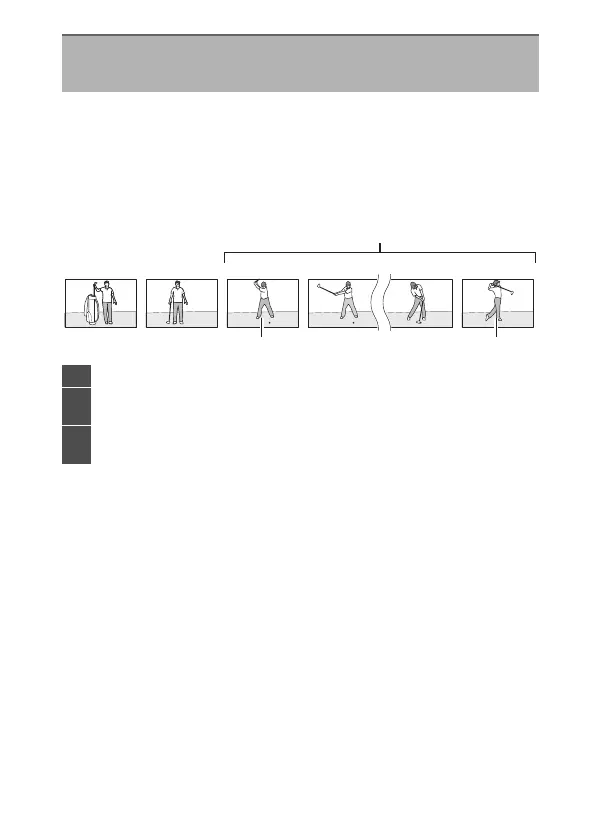
Choose whether the photo displayed immediately after a burst
of shots is taken in continuous mode is the first or last shot in
the burst.
•
This option takes effect only when [Off] is selected for [Image
review].
After Burst, Show
G
button
U
D
playback menu
DSC_0001.jpg DSC_0002.jpg DSC_0003.jpg DSC_0004.jpg DSC_0014.jpg DSC_0015.jpg
1
23
1
Most recent shots (burst)
2
Displayed if [First image in
burst] is selected
3
Displayed if [Last image in
burst] is selected



 To Next Page