741
D
The Playback Menu: Managing Images
5
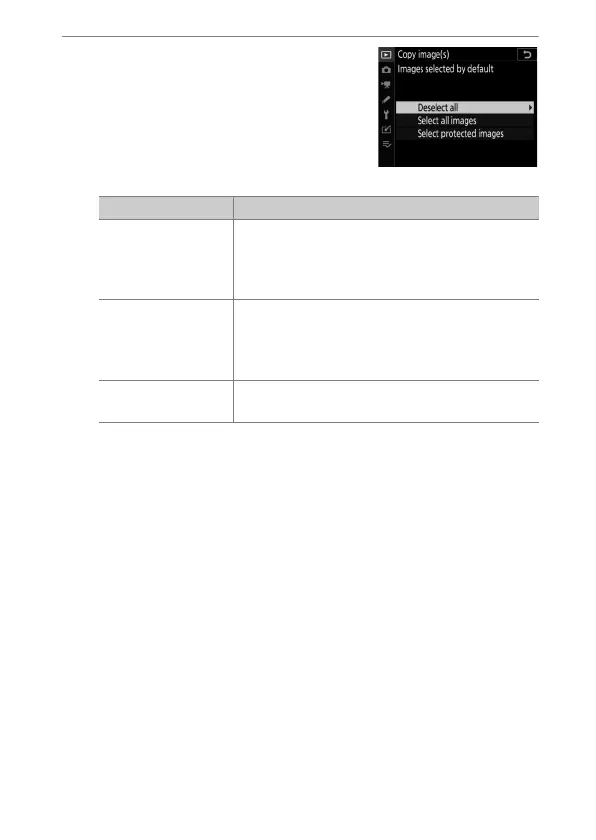
Make the initial selection.
Choose the pictures that will be
selected by default.
Option Description
[Deselect all]
None of the pictures in the chosen folder will
be selected by default.
•
Choose this option when you want to select
pictures individually.
[Select all images]
All of the pictures in the chosen folder will be
selected by default.
•
Choose this option if you want to copy all or
most of the pictures in the folder.
[Select protected
images]
Only the protected images in the folder will
be selected by default.



 To Next Page