746
D
The Playback Menu: Managing Images
Hidden pictures are visible only in the “hide image” menu.
1
Choose [Select/set].
Highlight [Select/set] and press
2
to
display a picture-selection dialog.
2
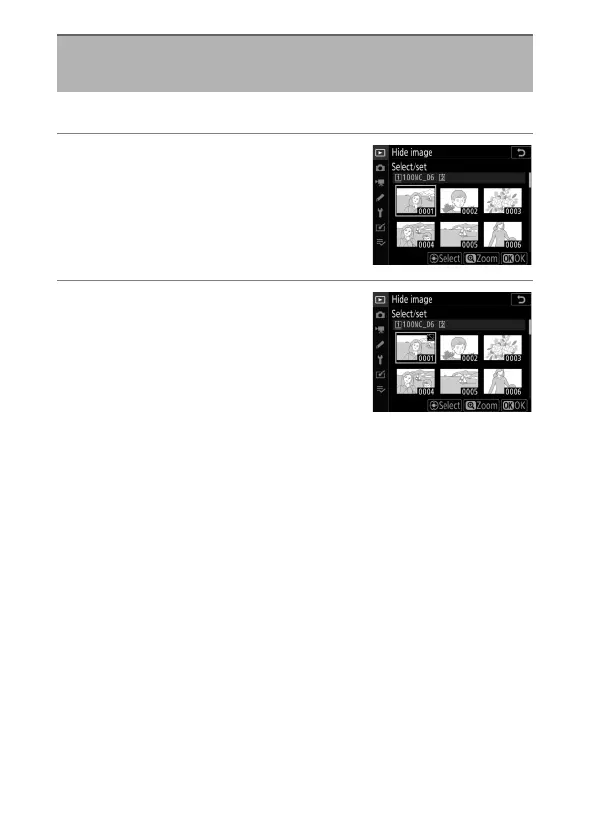
Select pictures.
•
Highlight pictures using the multi
selector and press the center of the
multi selector to select. Selected
pictures are marked with
R
icons.
To deselect the current picture,
removing the
R
icon, press the center of the multi selector
again.
•
Continue until you have selected all the desired pictures.
•
To view the highlighted picture full screen, press and hold
the
X
button.
Hide Image
G
button
U
D
playback menu



 To Next Page