749
D
The Playback Menu: Managing Images
The following operations can be performed while the show is in
progress:
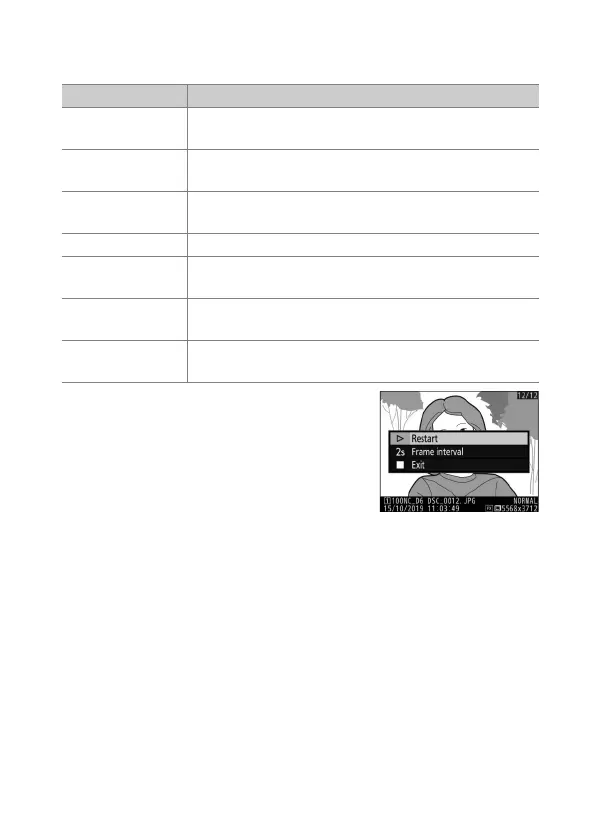
A dialog is displayed when the show
ends. To restart, highlight [Restart] and
press
J
. To end the show, highlight
[Exit] and press
J
.
To Description
Skip back/skip
ahead
Press
4
to return to the previous frame,
2
to skip to
the next frame.
View additional
photo info
Press
1
or
3
to choose the photo info displayed. To
hide photo info, select [None (image only)].
Pause
Press
J
to pause the slide show. To restart, highlight
[Restart] and press
J
.
Adjust volume Press
X
to increase volume,
W
(
M
) to decrease.
Exit to the
playback menu
Press
G
to end the slide show and return to the
playback menu.
Exit to playback
mode
Press
K
to end the slide show and exit to full-frame
or thumbnail playback.
Resume
shooting
Press the shutter-release button halfway to return to
shooting mode.



 To Next Page