753
C
The Photo Shooting Menu: Shooting Options
Renaming Photo Shooting Menu Banks
A descriptive caption can be added to the bank name (“A”, “B”,
“C”, or “D”) by highlighting the bank and pressing
2
. Captions
can be up to 20 characters long.
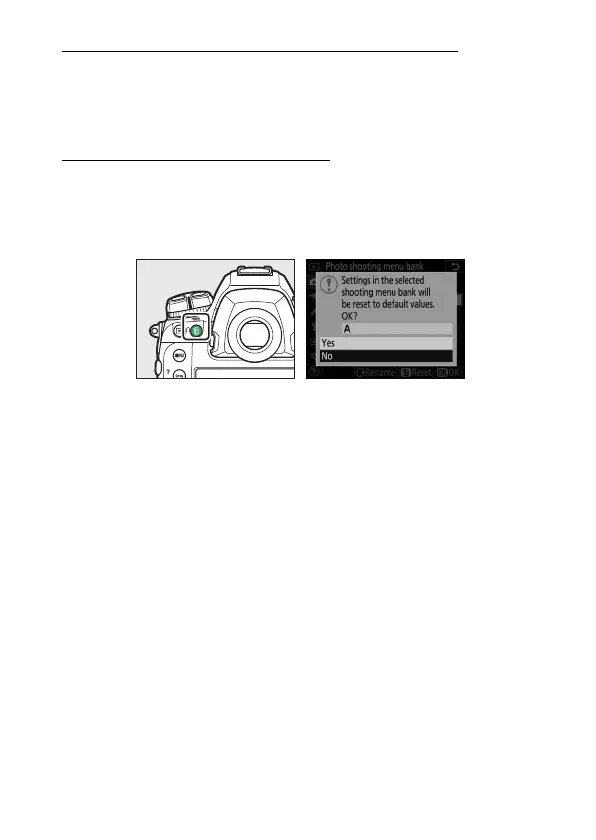
Restoring Default Settings
You can restore default settings for a selected photo shooting
menu bank. To do so, highlight the bank and press
O
(
Q
); a
confirmation dialog will be displayed. Highlight [Yes] and press
J
to restore default settings for the selected bank.
•
Photo shooting menu reset is not available while a multiple
exposure is in progress.



 To Next Page