756
C
The Photo Shooting Menu: Shooting Options
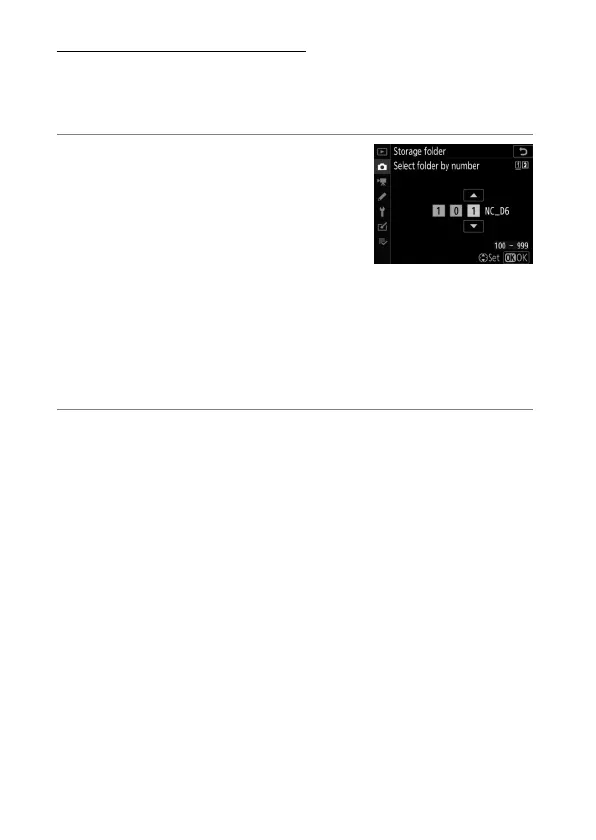
Select Folder by Number
The folder in which subsequent pictures will be stored can be
selected by number. If a folder with the specified number does
not already exist, a new folder will be created.
1
Choose [Select folder by
number].
•
Highlight [Select folder by
number] and press
2
to display the
[Select folder by number] dialog.
•
The card on which the new folder
will be created is underlined in the card slot display area at
the top right corner of the [Select folder by number]
dialog. The card used for new folders depends on the
option currently selected for [Role played by card in Slot
2] in the photo shooting menu.
2
Choose a folder number.
•
Press
4
or
2
to highlight digits.
•
To change the highlighted digit, press
1
or
3
.



 To Next Page