788
1
The Movie Shooting Menu: Movie Shooting Options
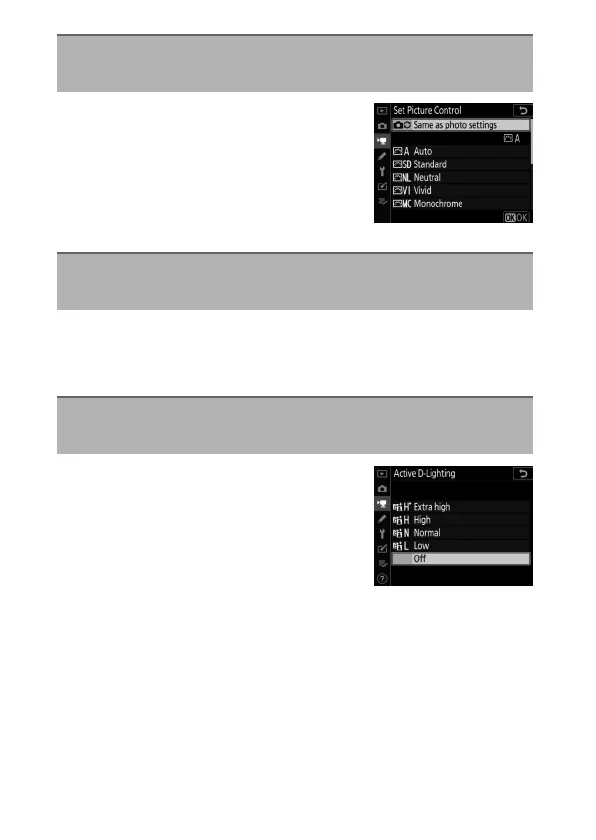
Choose a Picture Control for movies.
Select [Same as photo settings] to use
the option currently selected for photos
(
0
764).
Save modified Picture Controls as custom Picture Controls
(
0
765).
Preserve details in highlights and
shadows, creating movies with natural
contrast (
0
281).
Set Picture Control
G
button
U
1
movie shooting menu
Manage Picture Control
G
button
U
1
movie shooting menu
Active D-Lighting
G
button
U
1
movie shooting menu



 To Next Page