814
A
Custom Settings: Fine-Tuning Camera Settings
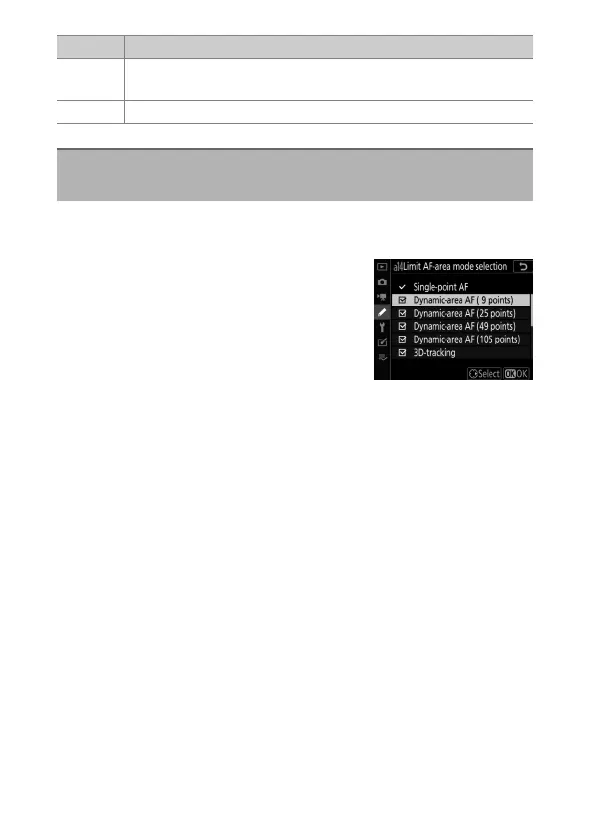
Choose the AF-area modes that can be selected by pressing the
AF-mode button and rotating the sub-command dial.
•
Highlight an option and press
2
to
select; selected items are marked with a
check (
M
). To deselect (remove the
check from:
U
) a selected option,
highlight it and press
2
again. Modes
marked with a check (
M
) are available
for selection via the sub-command dial.
•
Press
J
to save changes when settings are complete.
•
[Limit AF-area mode selection] applies only during
viewfinder photography. It has no effect during live view.
Option Description
[Auto]
The focus point last chosen by the camera before you
switched AF-area modes remains in effect.
[Off] The focus point last chosen by the user is restored.
a14: Limit AF-Area Mode Selection
G
button
U
A
Custom Settings menu



 To Next Page