833
A
Custom Settings: Fine-Tuning Camera Settings
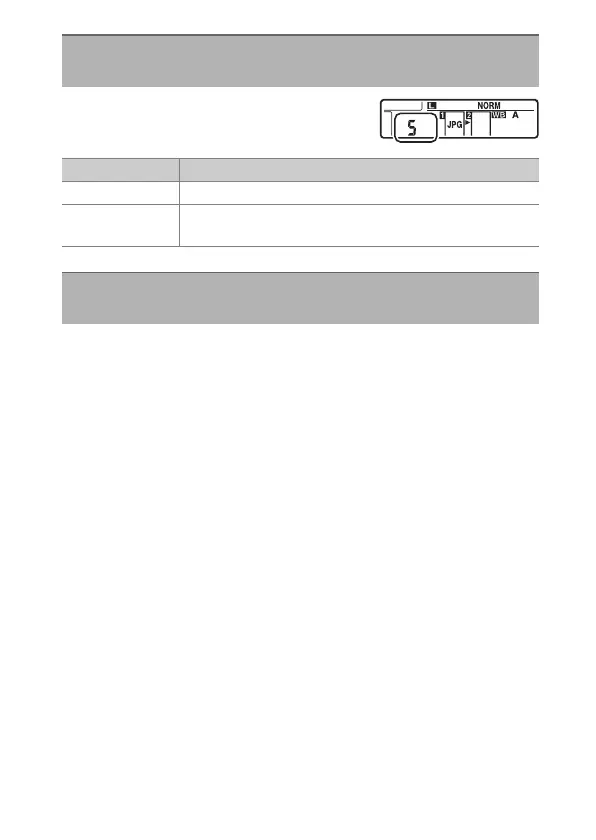
Choose the information displayed in the
rear control panel in the location shown.
Choose when the control panel and button backlights light.
•
If [Off] is selected, the backlights will light when the power
switch is rotated to
D
. The backlights turn off when the
shutter-release button is pressed.
•
If [On] is selected, the backlights will light while the standby
timer is active. Note that this increases the drain on the
battery. The backlights will turn off while the shutter-release
button is pressed, but will turn on again when the button is
released.
d12: Rear Control Panel
G
button
U
A
Custom Settings menu
Option Description
[Release mode] The camera displays the current release mode.
[Frame count]
The camera displays the number of pictures in the
current folder.
d13: LCD Illumination
G
button
U
A
Custom Settings menu



 To Next Page