894
B
The Setup Menu: Camera Setup
Fine-tune focus for the current lens.
•
Use only as required.
•
We recommend that you perform fine-
tuning at a focus distance you use
frequently. If you perform fine-tuning
at a short focus distance, for example,
you may find it less effective at longer distances.
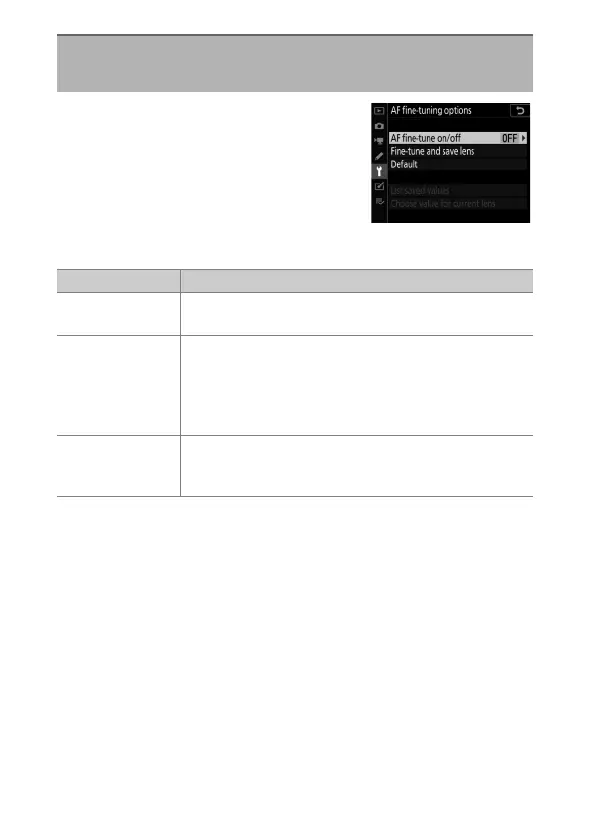
AF Fine-Tuning Options
G
button
U
B
setup menu
Option Description
[AF fine-tune
on/off]
•
[On]: Turn AF fine-tuning on.
•
[Off]: Turn AF fine-tuning off.
[Fine-tune and
save lens]
Fine-tune focus for the current CPU lens (
0
897).
•
The camera can store values for up to 40 lens types.
•
The camera will not save fine-tuning values for non-
CPU lenses.
•
New values overwrite existing values.
[Default]
Choose the fine-tuning values for lenses for which no
values have previously been saved using [Fine-tune
and save lens].



 To Next Page