903
B
The Setup Menu: Camera Setup
4
Press
J
.
•
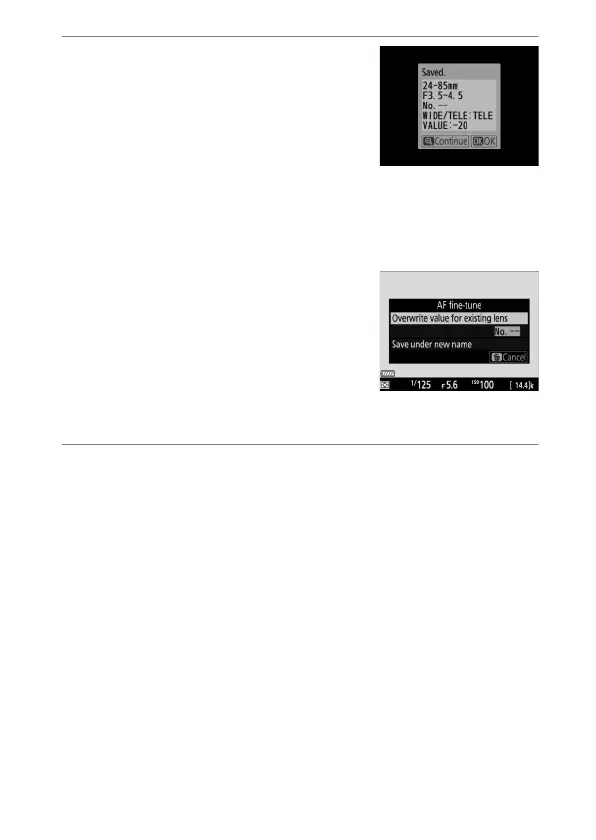
The AF fine-tuning value for the
current lens will be added to the
[List saved values] list (CPU lenses
only).
•
If auto fine-tuning is successful, [AF
fine-tune on/off] item will be set to [On], enabling AF fine-
tuning.
Zoom Lenses
After completing AF fine-tuning for
either the maximum angle or
maximum zoom, you will need to
repeat the process for the remaining
item. Press the
X
button, select
[Overwrite value for existing lens],
and repeat Steps 2 to 4.
5
Press
J
to save changes and exit.



 To Next Page