941
B
The Setup Menu: Camera Setup
D
Editing Profiles
If the shutter-release button is pressed while menus are displayed, the
monitor will turn off. Any changes to the current profile will be lost.
●
[General]
Edit the profile name and enable or disable password protection.
●
[Wireless]
Edit the following wireless settings:
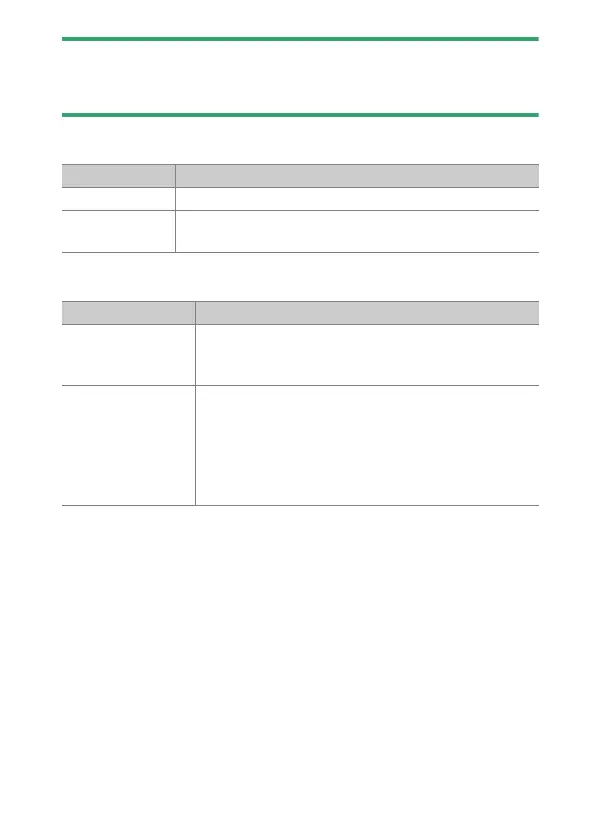
Option Description
[Profile name] Edit the profile name.
[Password
protection]
Enable password protection to prevent others from
viewing network settings.
Option Description
[SSID]
Enter the name (SSID) of the network on which the
host computer or ftp server is located. This is a
required field.
[Communication
mode]
Choose an option according to the type of network.
•
[Infrastructure]: Connect via a wireless LAN
access point.
•
[Access point]: Connect directly to a computer or
ftp server using the camera as a wireless network
access point.



 To Next Page